Want to chat with patrons browsing your LibGuides?
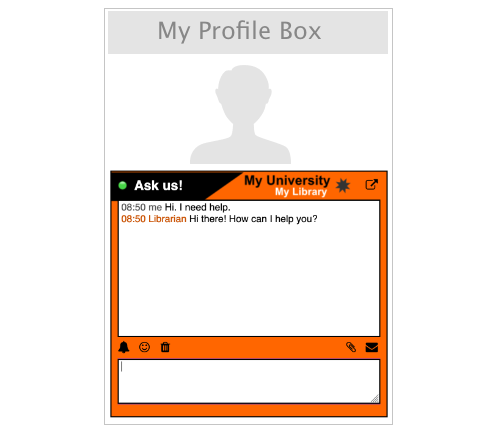
LibraryH3lp and LibGuides work well together. Embed chat boxes into your LibGuides pages using simple iframes or with auto-generated code snippets. No special knowledge or wizardry required.
With LibraryH3lp, you get unlimited user accounts with your subscription, so you aren't forced into a cramped staffing model dictated by budget. You are free to create chat boxes and user accounts per librarian, department, branch, or any combination thereof.
Embedded chat boxes offer a pop-out option so the patron can open the chat in a separate browser window while browsing through your LibGuides pages.
Preferentially display chat boxes depending on librarian availability, connecting patrons to specialists when available and to something more general like your reference desk otherwise.
Answer incoming patron chats from your desktop, laptop, tablet, or smartphone.
Learn more about LibraryH3lpInterested in giving LibraryH3lp a try?
Try LibraryH3lp FREE for 90 days
Fully featured, no risk, no obligation. No brainer.